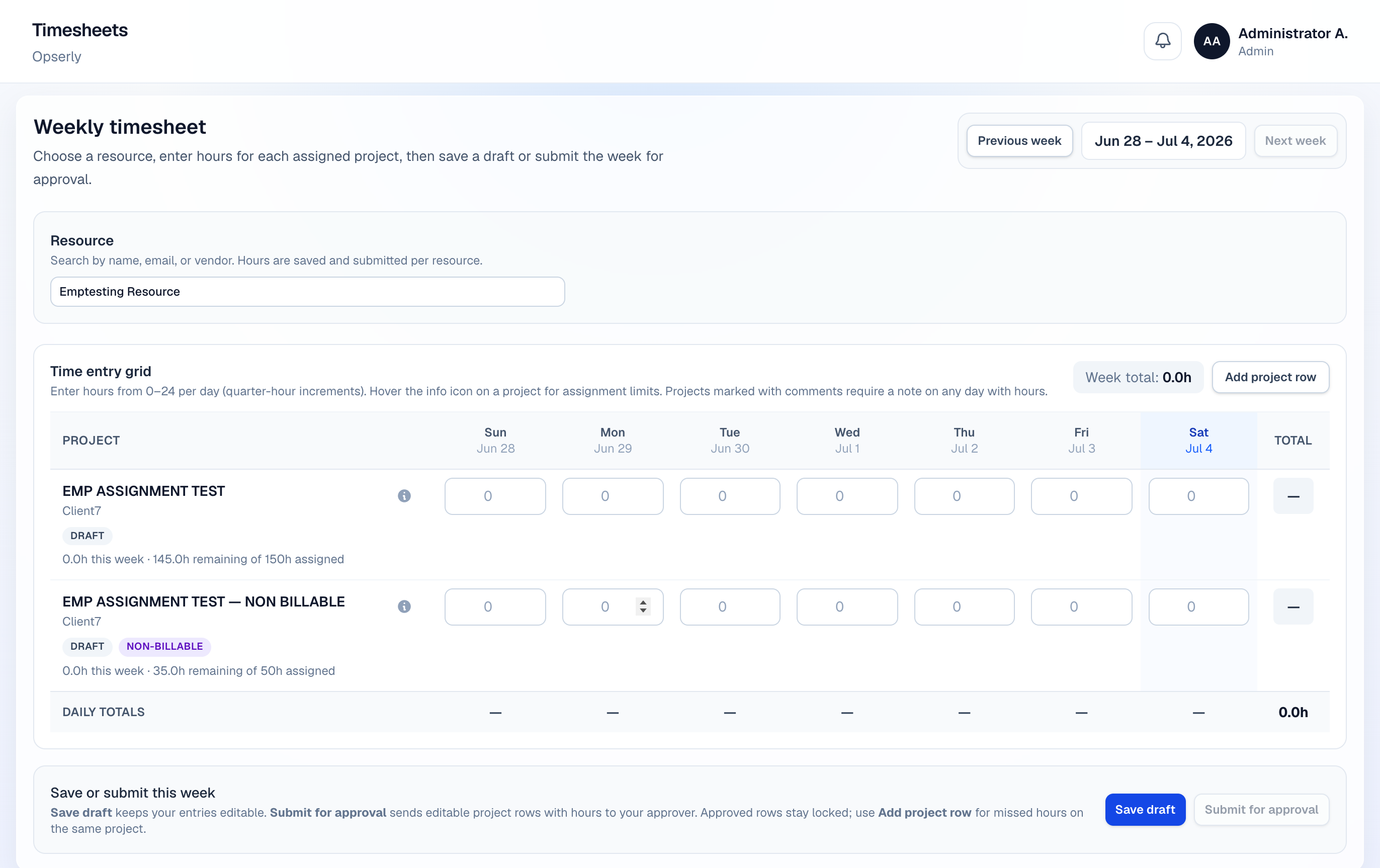
Timesheets are weekly. Each row is a project assignment with billable or non-billable hours.
- 1
Open Timesheets
Click Timesheets — your current week opens by default.
- 2
Add rows
Pick project, task description, and daily hours. Billable flag comes from the assignment.
- 3
Submit
Submit locks the sheet for editing and sends it to the approver queue.