Approvers use Timesheet Approval or Workflow Tasks depending on configuration.
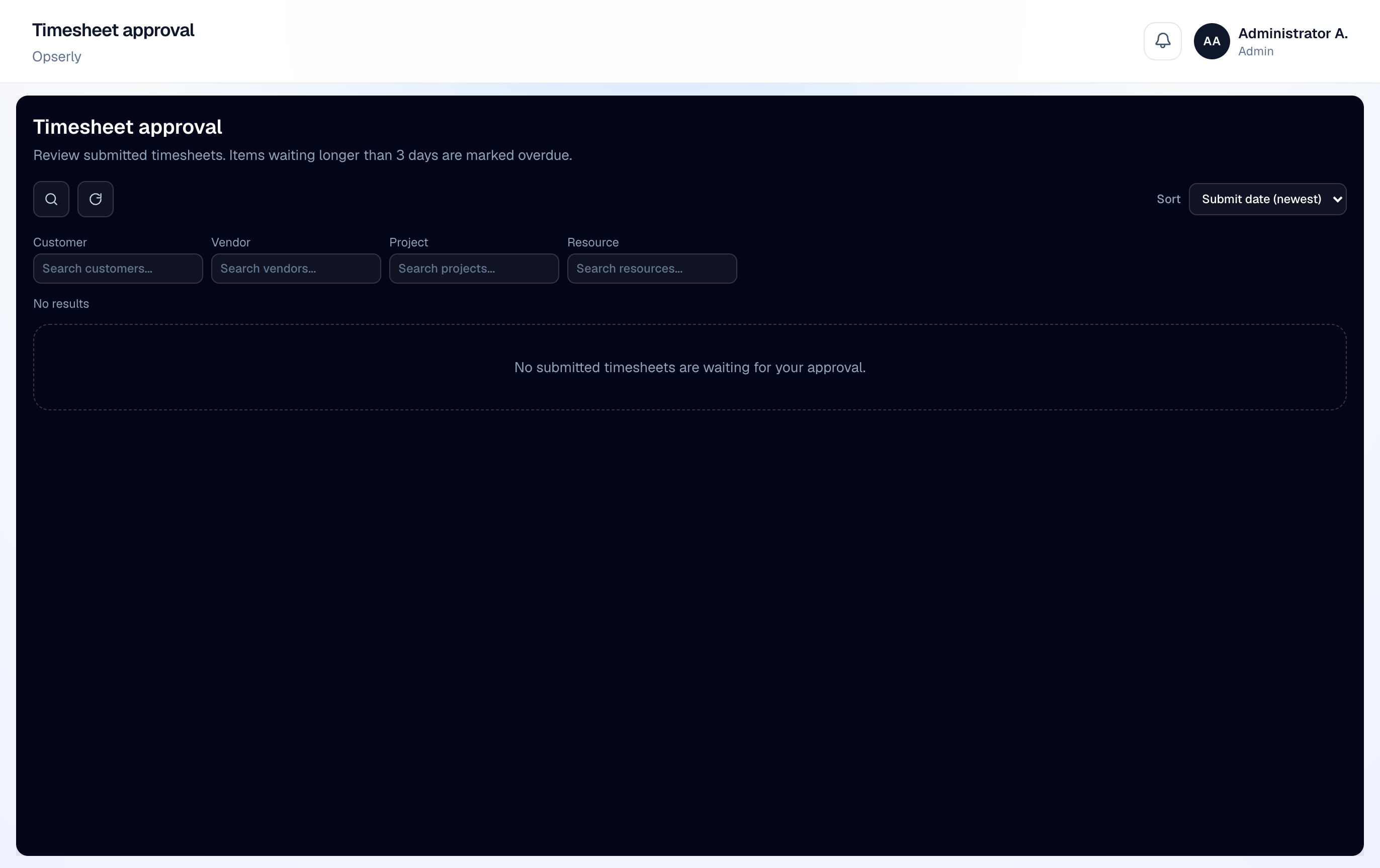
- 1
Open Timesheet Approval
See pending sheets for your team.
- 2
Review hours and projects
Expand rows to verify hours against assignments and caps.
- 3
Approve or reject
Approved sheets become available for invoicing; rejected sheets return to the submitter with comments.