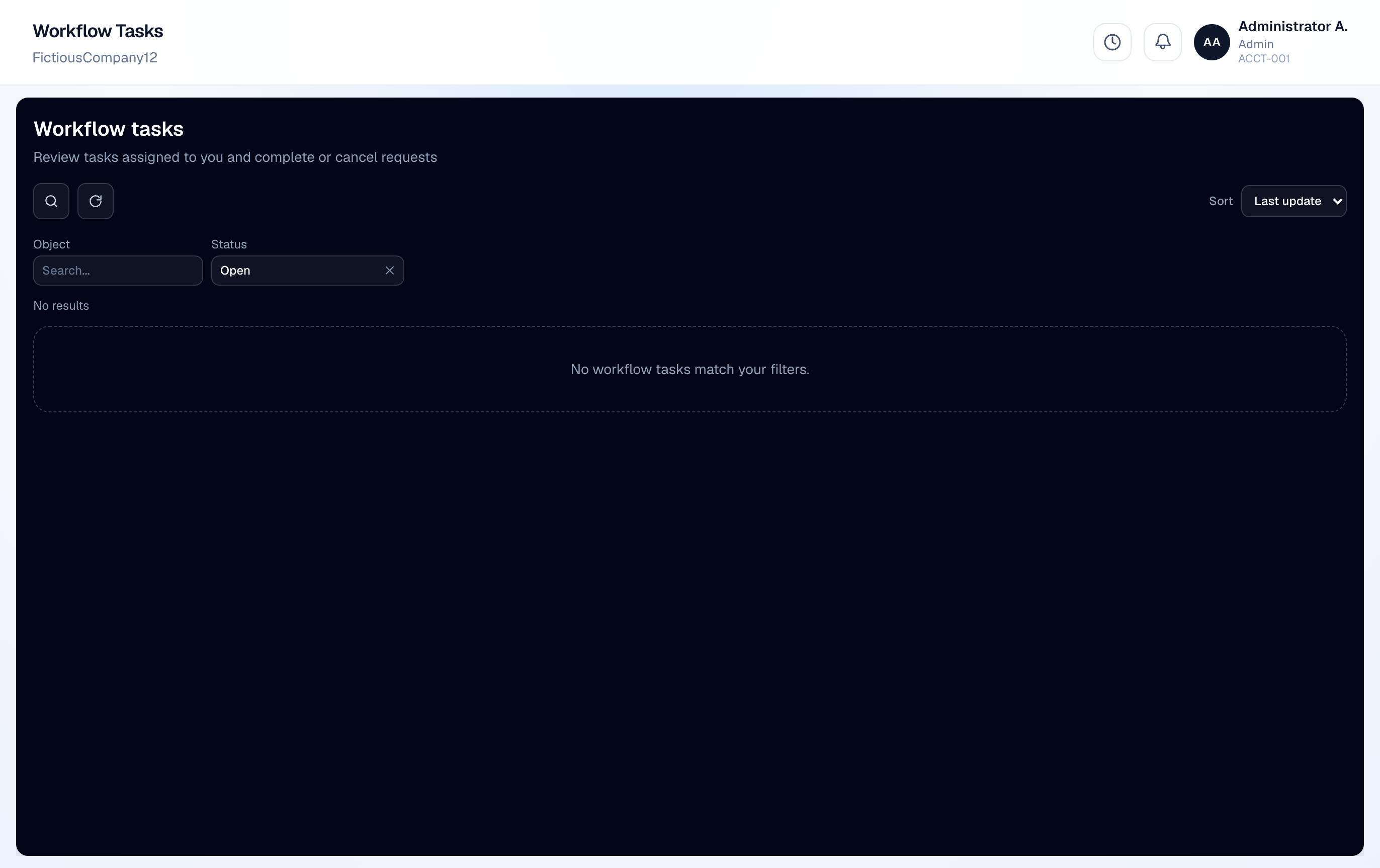
Workflow Tasks centralizes pending approvals across modules.
- 1
Open Workflow Tasks
See all pending items assigned to you or your role.
- 2
Review the record
Open the linked quote, expense, timesheet, or AP bill.
- 3
Approve or reject
Add comments on reject. Approved items advance to the next level or finalize.